
Interior designers
Find a material palette
Compare wood, color, and furniture directions from the same room reference.
For architects and interior designers
Connect references, explore materials, and shape your architecture and interior design ideas.
How it works
Three steps on one canvas. Every proposal stays connected to the reference it came from.
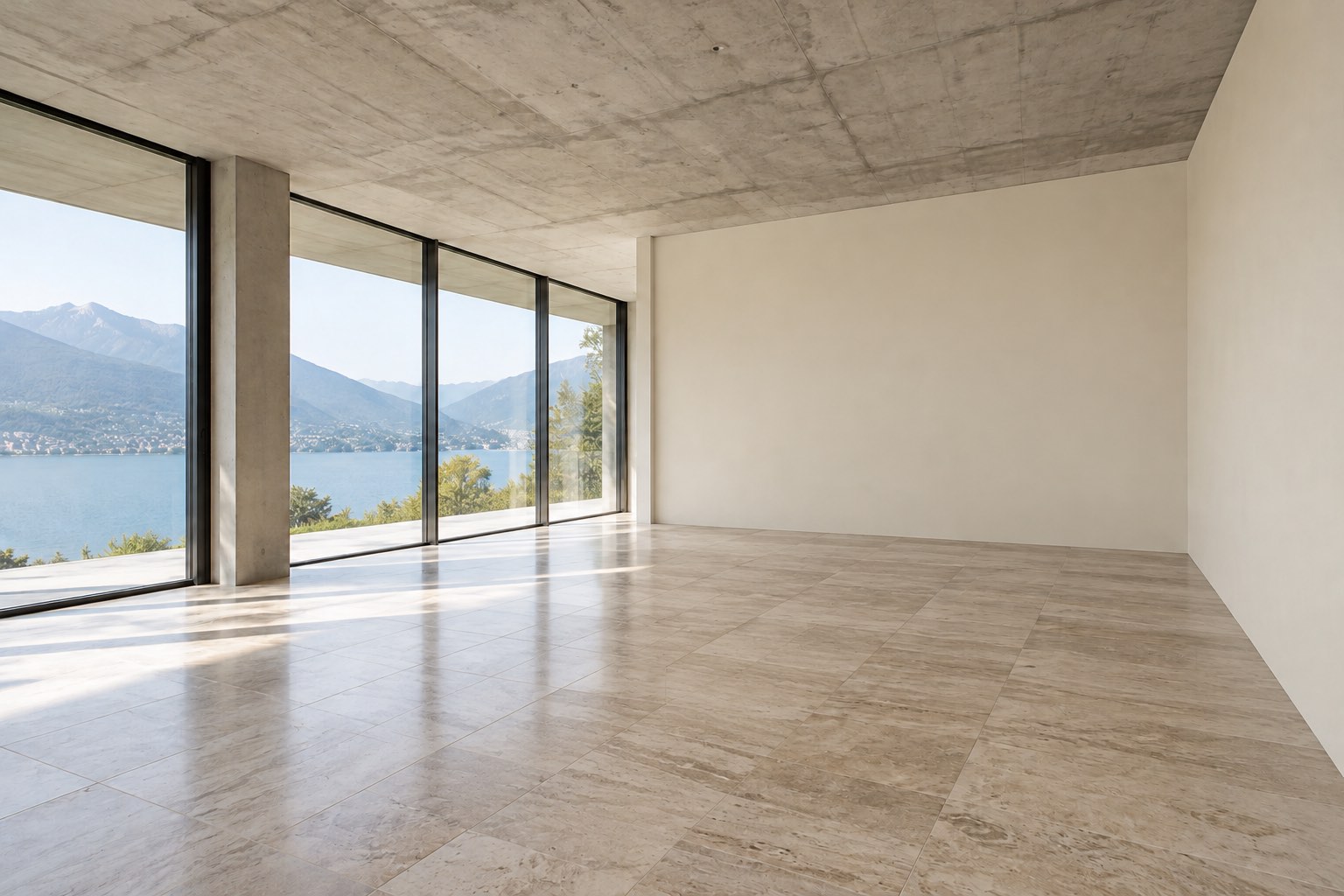
Start with a photo of your space, from your phone or computer.
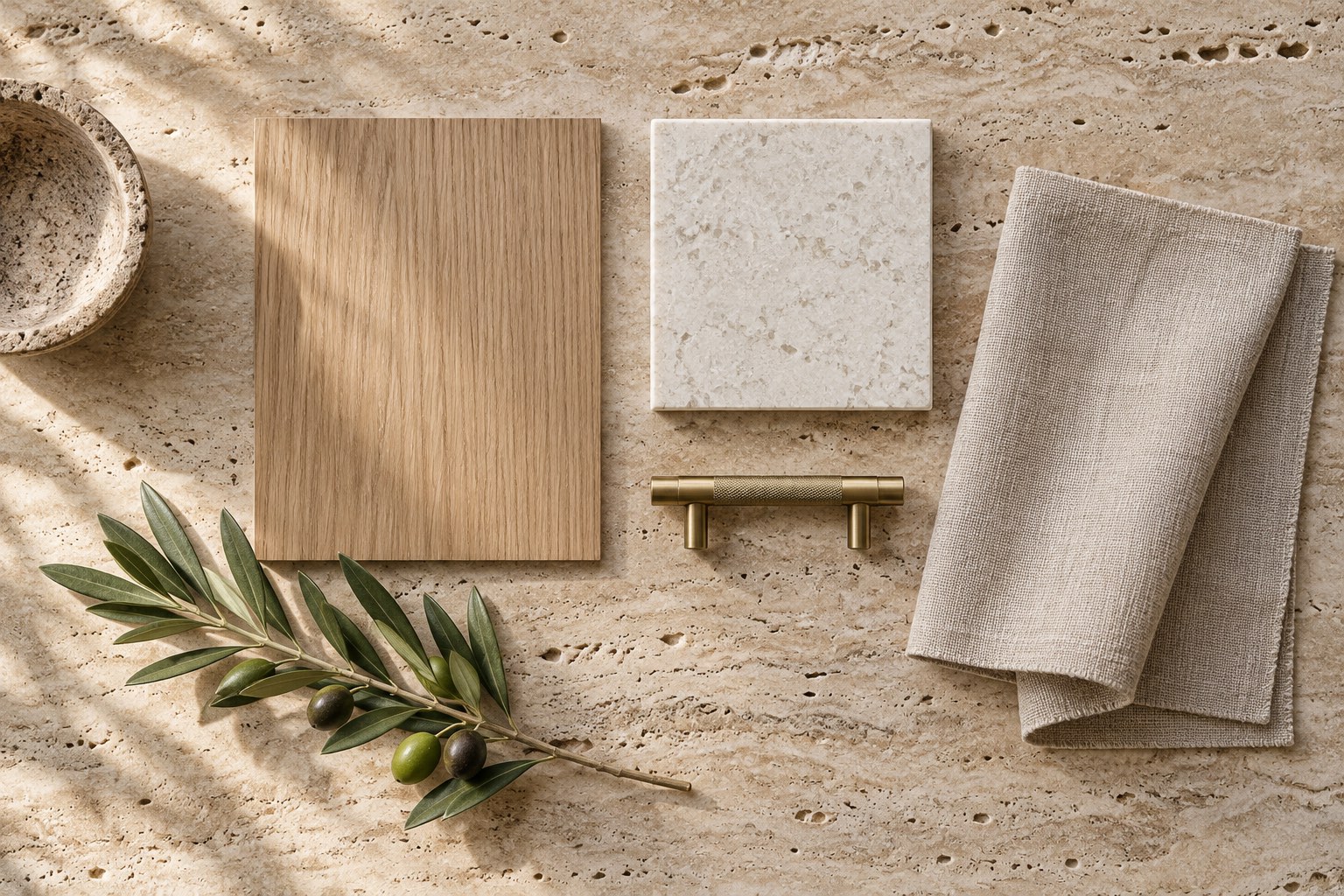
Choose what to change: style, materials, furniture, or lighting.


Generate alternatives and download your favorites to present them.
Bring a proposal, compare directions, and keep the feedback that shapes the next version.
Turn a photo of the space into a visual direction you can put in front of your client.
Keep material alternatives together so you can review options with your client before choosing the next step.
Group options and notes for review, then share a read-only project or export an image sheet.
Illustrative concepts created with AI. These are not Arquitec.to results.
Explore atmospheres, materials, and new directions for your project.
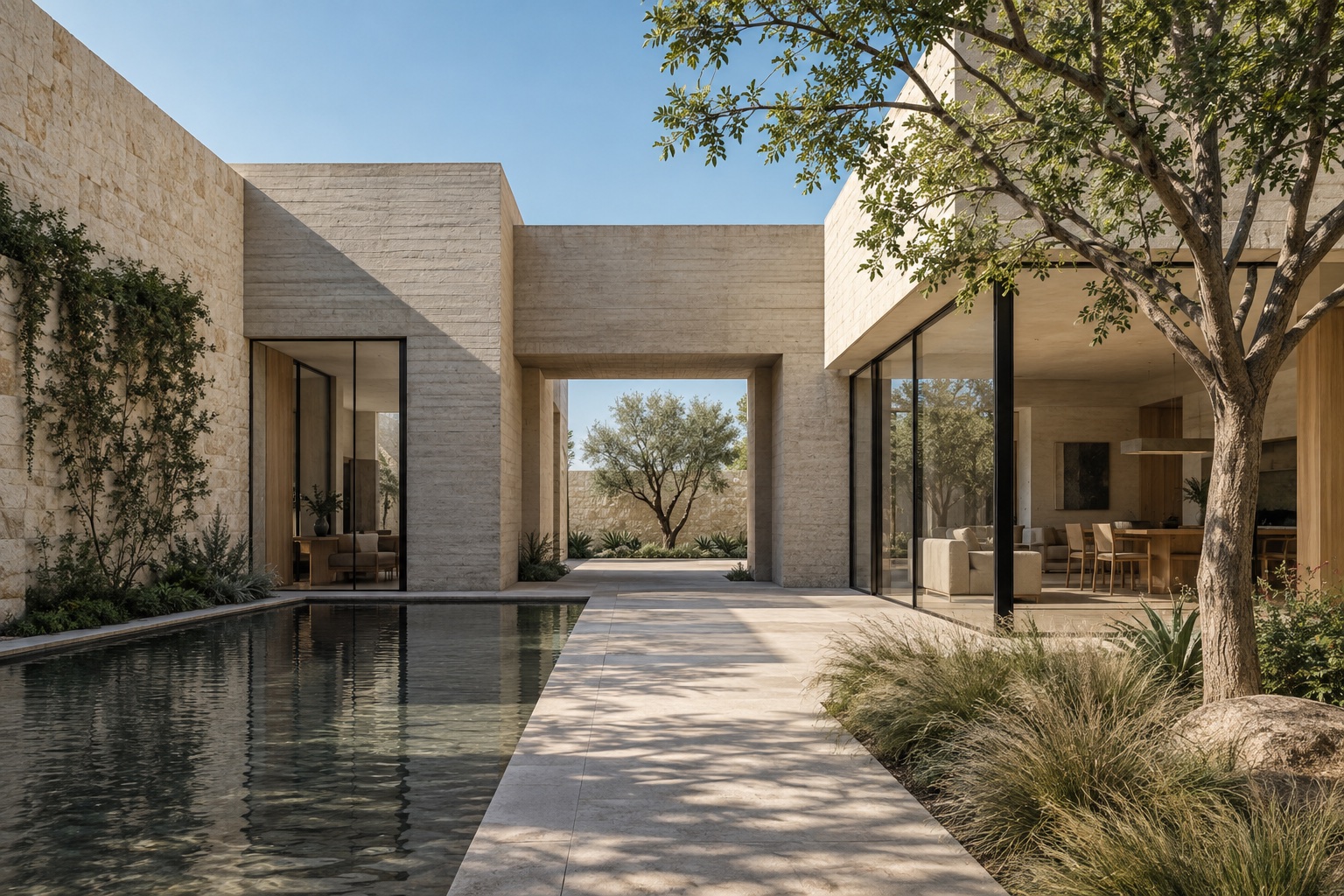
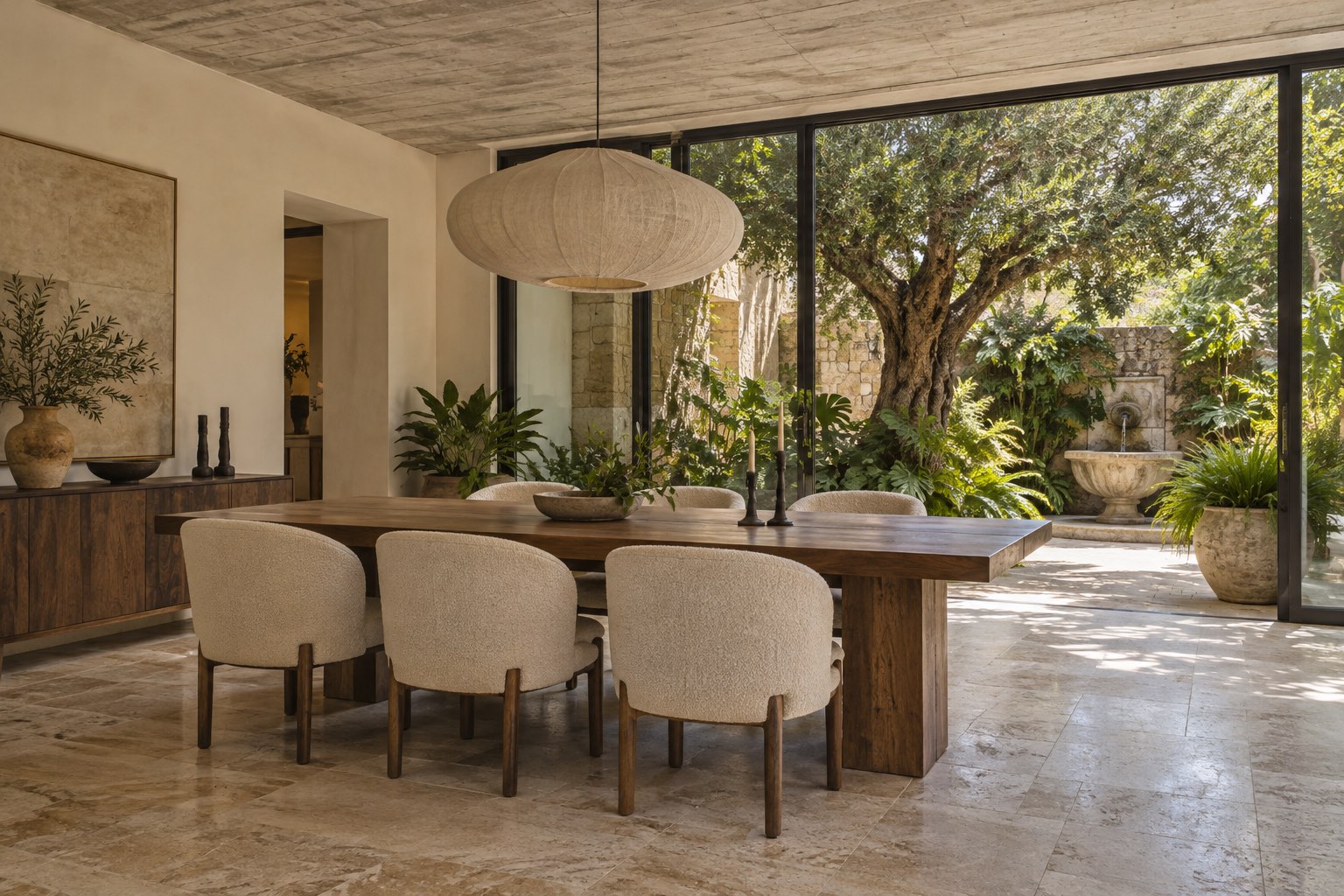
Illustrative concepts created with AI. These are not Arquitec.to results.
Explore visual ideas before deciding what comes next.
Interior designers
Compare wood, color, and furniture directions from the same room reference.
Architects
Bring references together and develop visual concepts for your next project.
Real estate agencies
Explore furnishing ideas for an empty space, with concepts clearly presented as visual studies.
Pricing
Start on the canvas with no card. Pro adds a monthly usage allowance for the proposals you present.
Canvas access with no payment method. Move to Pro when you need the monthly allowance.
What you need to know to get started.
From the first reference to a new direction.